Difference between revisions of ":System Photos Process"
(Created page with "==System Photos Process==") |
|||
| Line 1: | Line 1: | ||
==System Photos Process== | ==System Photos Process== | ||
| + | ===System Photos Process for NVRs and DVRs=== | ||
| + | 1. Isolate 3 photos. One of the front panel, One of the back panel, and one of the box contents. | ||
| + | 2. Rename photos based on this name convention: | ||
| + | SYSTEMNAME_Front_Panel.JPG|Front Panel | ||
| + | SYSTEMNAME_Back_Panel.JPG|Back Panel | ||
| + | SYSTEMNAME_Box_Contents.JPG|Box Contents | ||
| + | 3. Upload photos to Wiki. | ||
| + | 4. Locate product page, and add the following below the Title and before, "Compression" | ||
| + | |||
| + | <code> | ||
| + | ===Images=== | ||
| + | <gallery mode=nolines widths=190px> | ||
| + | file:X58A3S_Front_Panel.JPG|Front Panel | ||
| + | file:X58A3S_Back_Panel.JPG|Back Panel | ||
| + | file:X58A3S_Box_Contents.JPG|Box Contents | ||
| + | </gallery> | ||
| + | </code> | ||
Revision as of 17:47, 29 June 2017
System Photos Process
System Photos Process for NVRs and DVRs
1. Isolate 3 photos. One of the front panel, One of the back panel, and one of the box contents. 2. Rename photos based on this name convention: SYSTEMNAME_Front_Panel.JPG|Front Panel SYSTEMNAME_Back_Panel.JPG|Back Panel SYSTEMNAME_Box_Contents.JPG|Box Contents 3. Upload photos to Wiki. 4. Locate product page, and add the following below the Title and before, "Compression"
Images
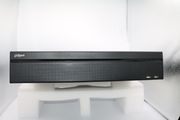
Front Panel
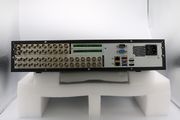
Back Panel
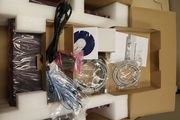
Box Contents


