Difference between revisions of "Troubleshoot/NVR/No HDD"
(→System can not detect hard disk.) |
(→System can not detect hard disk.) |
||
| Line 6: | Line 6: | ||
* HDD cable connection is loose. | * HDD cable connection is loose. | ||
* Main board SATA port is broken. | * Main board SATA port is broken. | ||
| − | * HDD is not compatible. | + | * HDD is not compatible. |
| − | [[File:HDD.jpg|link=https://en.wikipedia.org/wiki/Hard_disk_drive | + | ===Solutions=== |
| + | |||
| + | * Replace HDD | ||
| + | * Check HDD compatibility | ||
| + | * Check HDD cables | ||
| + | |||
| + | |||
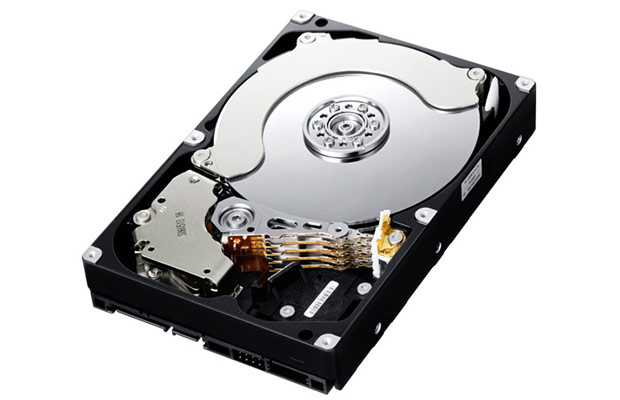
| + | [[File:HDD.jpg|right|alt=HDD|link=https://en.wikipedia.org/wiki/Hard_disk_drive]] | ||
[[Category:Troubleshoot]] | [[Category:Troubleshoot]] | ||
Revision as of 16:16, 21 March 2016
System can not detect hard disk.
There are following possibilities:
- HDD is broken.
- HDD ribbon is damaged.
- HDD cable connection is loose.
- Main board SATA port is broken.
- HDD is not compatible.
Solutions
- Replace HDD
- Check HDD compatibility
- Check HDD cables