:System Photos Process
System Photos Process
System Photos Process for NVRs and DVRs
1. Isolate 3 photos. One of the front panel, One of the back panel, and one of the box contents. 2. Rename photos based on this name convention: SYSTEMNAME_Front_Panel.JPG|Front Panel SYSTEMNAME_Back_Panel.JPG|Back Panel SYSTEMNAME_Box_Contents.JPG|Box Contents 3. Upload photos to Wiki. 4. Locate product page, and add the following below the Title and before, "Compression"
Images
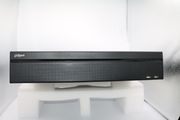
Front Panel
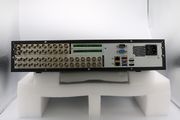
Back Panel
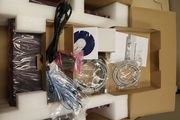
Box Contents


Images
Front Panel
Back Panel
Box Contents

